Your own font files
Drop in a .woff2, .woff, .ttf or .otf. It's read in your browser and never leaves your device.
Pick any Google Font or your own file. See it on a real website and phone app, then copy the code.
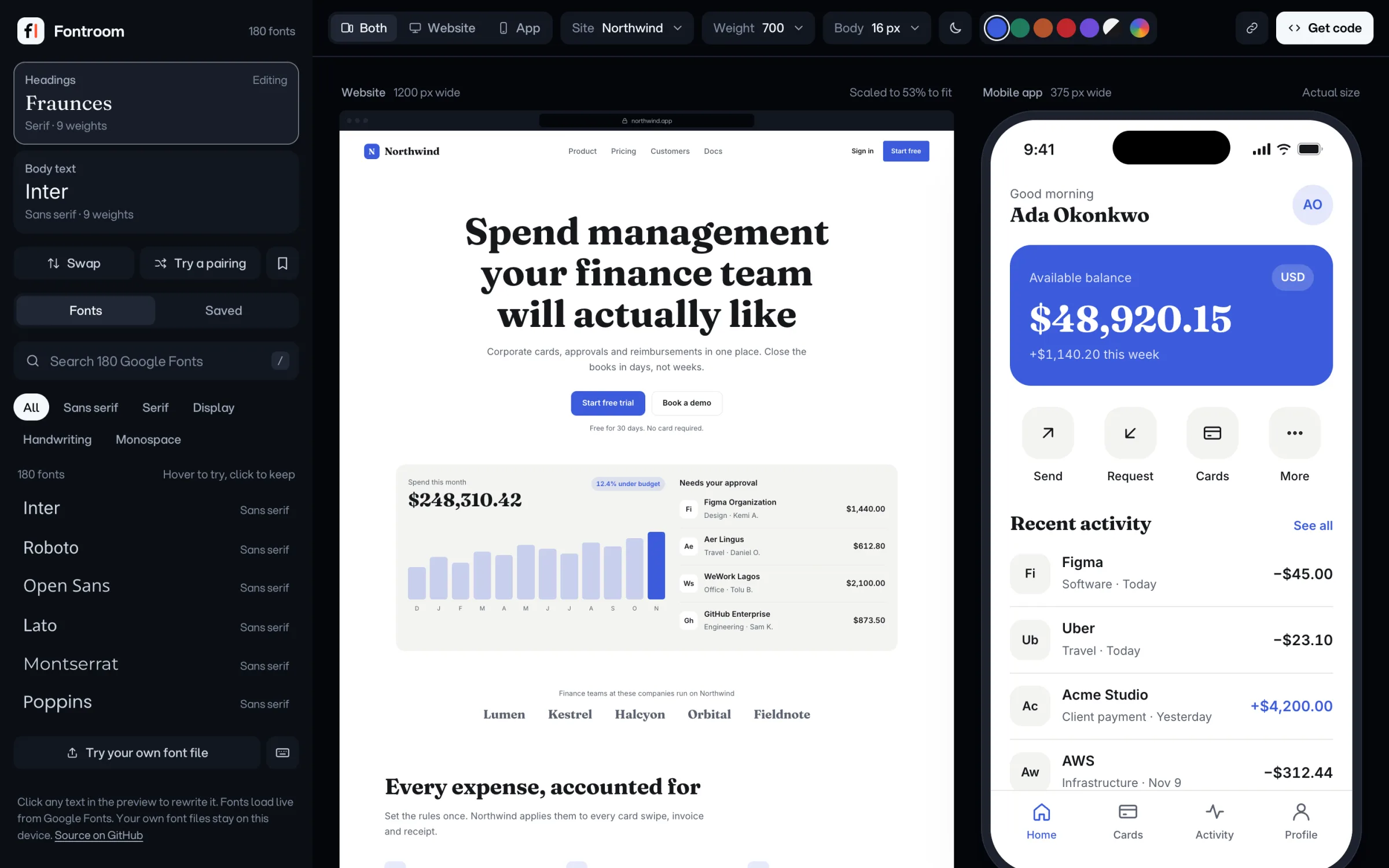
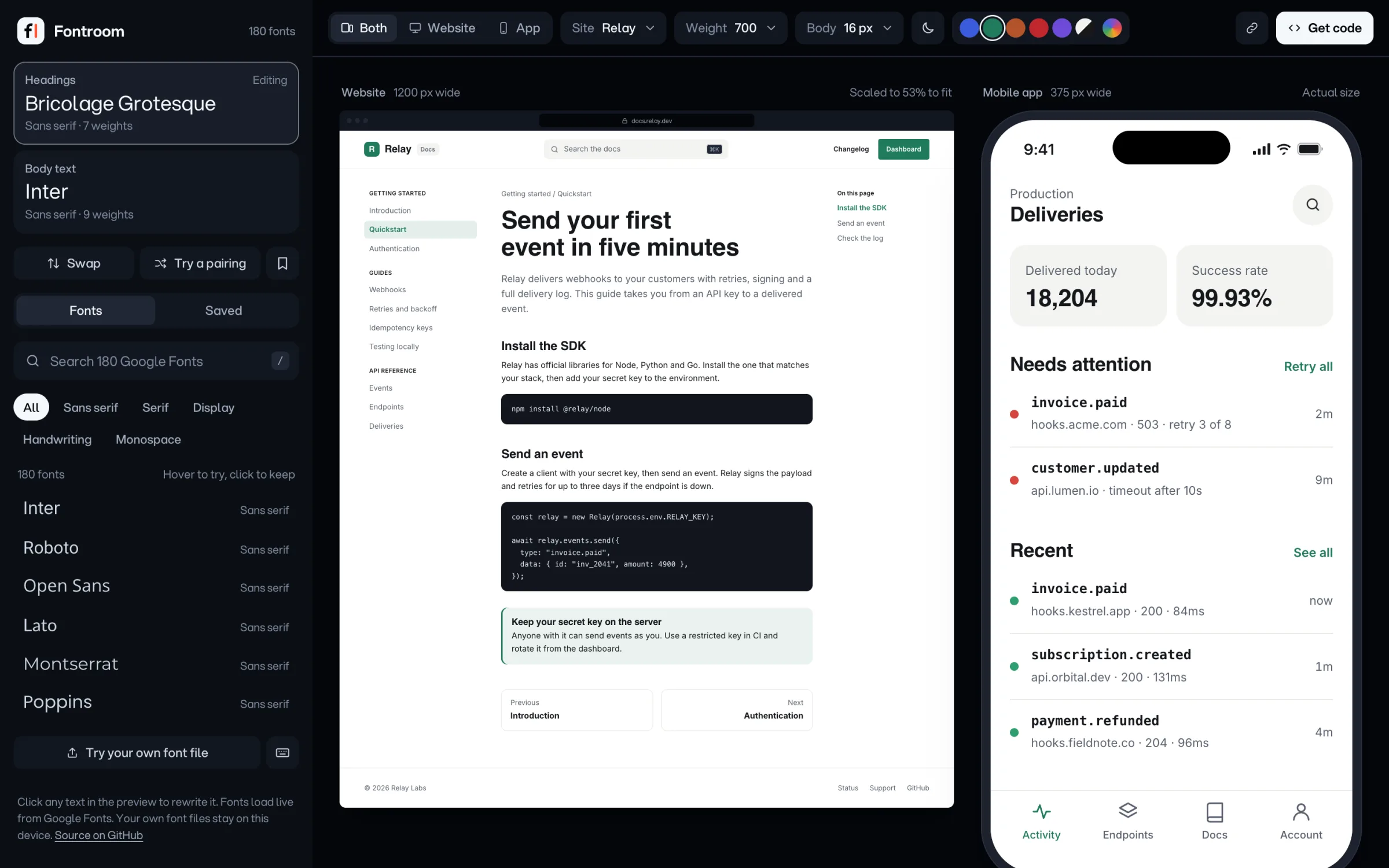

Font sites show you one sentence on a blank page. Your product has buttons, prices, menus and a phone screen. So you install the font, rebuild, squint, and start again. Three fonts later, you can't remember which one looked right.
Fontroom skips that loop.
Pick a heading font, then a kind of site. The code below follows your font.
Search Google Fonts by name, or drop in your own file.
It goes onto a website and a phone app. Click any text to type your own words.
HTML, Tailwind, Next.js, Flutter or Expo, with only the weights you use.
Drop in a .woff2, .woff, .ttf or .otf. It's read in your browser and never leaves your device.
The weight menu lists what the font really has, so the browser never fakes a bold.
One link holds both fonts, the weight, size, colour and theme.
Save the pairings you like, then flip between them on the same page with [ and ]. No more tabs.
Only the weights you use. It follows the font you picked above.
Yes. It's free and open source under the MIT license. No account, nothing to install.
No. Your file is read in your browser and stays on your device. It isn't added to share links or saved pairings either.
Google Fonts are open source, so almost always yes. Check the license on the font's Google Fonts page to be sure. For your own files, your font license applies.
Plain HTML and CSS, Tailwind, Next.js with next/font, Flutter with google_fonts, and Expo.
In your browser. Nothing goes to a server, and clearing your browser data removes them.